Business website planning · Reviewed 18 October 2026
A WordPress handover checklist you can use before changing developers.
Use this inventory before changing developers, arranging maintenance or migrating WordPress. Record who owns each account, how recovery works and which customer journeys must pass review. Exchange credentials through the secure method agreed with your provider.
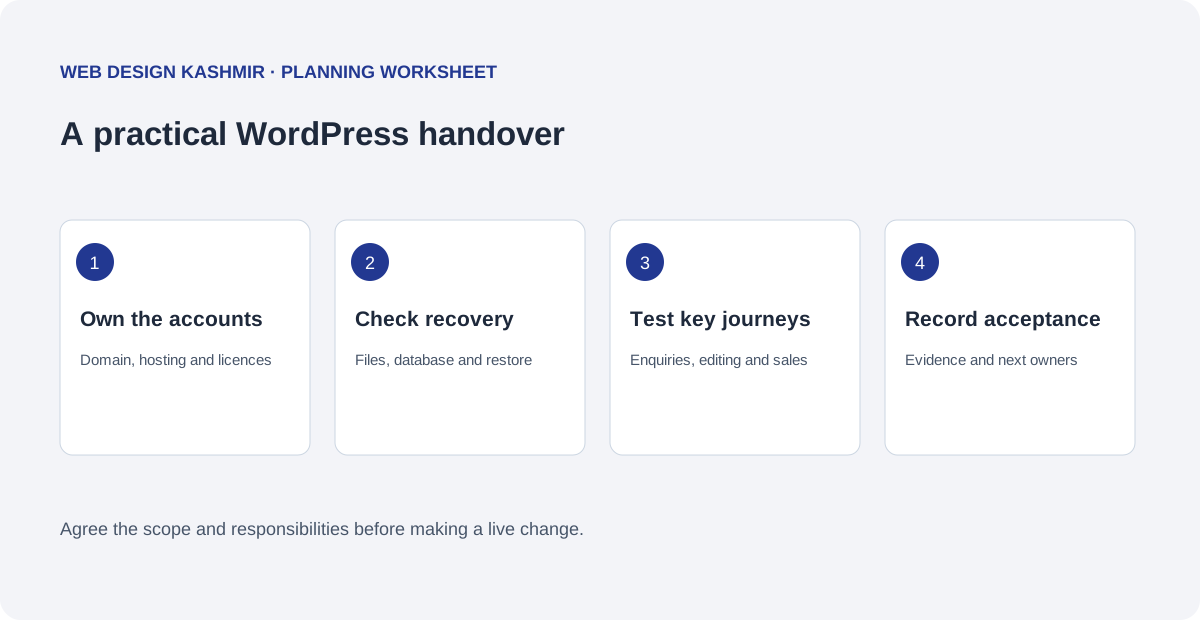
1. Identify the owner of every required account
Start with the domain registrar and hosting account. Record the business owner, renewal contact and person authorised to request support. Add the WordPress administrator, business email service, CDN, analytics property, Search Console and any booking or payment providers. Record which items are genuinely needed to operate the agreed site.
Do not copy passwords, recovery codes, payment details or API secrets into a shared handover checklist. Confirm a secure access method and arrange individual user accounts where the service supports them. A public website address and a list of account owners are enough for an initial project discussion.
2. List software, custom work and licence responsibilities
Record the WordPress version, hosting/PHP requirements, active theme, child theme and active plugins. For paid components, note the licence owner, renewal date and whether transfer is permitted. For custom features, identify the source location, the feature's purpose and any operational dependencies. Keep a note of how the code is released rather than relying on edits made directly on the live site.
The business should know which features stop receiving updates when an agency subscription ends. Agree whether the replacement is a new licence, a supported alternative or removal of an unnecessary feature. Ask the incoming developer to explain the consequence before changing a component customers use.
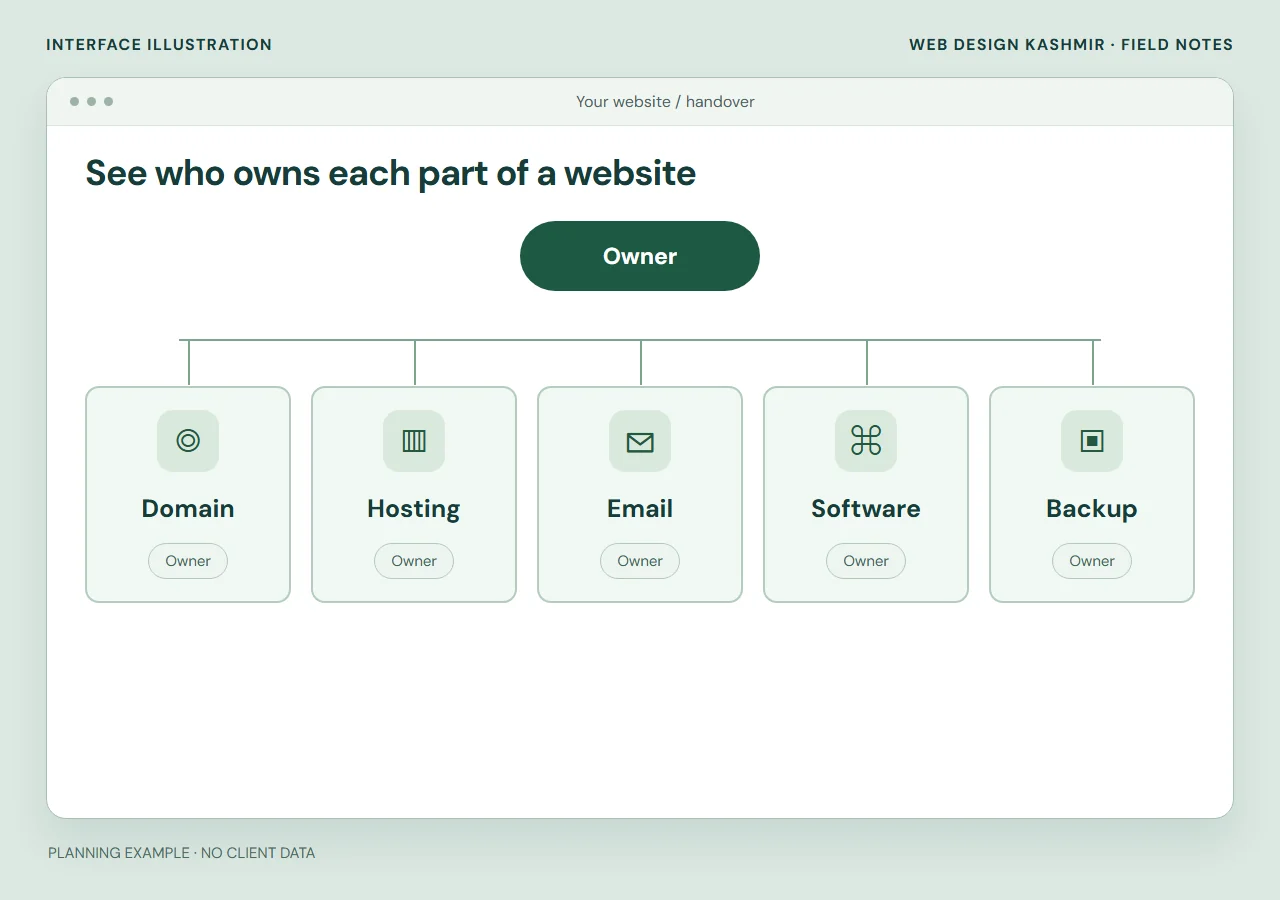
3. Check what a backup can actually restore
A WordPress recovery plan needs the relevant files and database. Record where copies are stored, who can retrieve them, retention, and the point in time a restoration would recover. Keep recovery instructions available to the business if the current developer or hosting account is unavailable. The WordPress backup handbook explains the components involved.
Agree a restoration check in an isolated environment before relying on the plan. Record what was restored and whether important pages, media and customer journeys were checked. For a busy store or booking site, discuss data created after the backup and how to avoid overwriting live orders or reservations. The right recovery process depends on those operations.
4. Test the journeys the business depends on
| Journey | Useful check |
|---|---|
| Enquiry | Required fields, error handling, delivery destination, acknowledgement and staff response. |
| Booking | Availability responsibility, provider handoff, confirmation, cancellation information and notifications. |
| Store | Products, delivery rules, provider test mode, failed payments, order records and refunds in the agreed test scope. |
| Editing | The business can update a service, replace an image and preview the result using the documented workflow. |
| Search entry | Important existing URLs remain useful; changed URLs have the agreed redirect destinations. |
Use a controlled test plan and identify any messages or transactions a test would create before running it. A form can look correct while delivery fails. A checkout can show an attractive confirmation while the order has no usable operational record.
5. Agree the release and rollback procedure
Name the person approving the change, the planned release window and the affected pages. Preserve a usable baseline, review the proposed change on staging where practical, and list checks to run after publication. Record who can restore the previous files and whether a database change needs a separate recovery plan.
Some changes are best delivered as a small repair. Other sites need a larger rebuild because the editing model or integrations no longer fit the business. The inventory should make that decision easier to explain. Record the problem and the reason for each proposed replacement in the action list.
6. Leave with evidence and a maintenance owner
A complete handover can include an account and licence inventory, the agreed recovery notes, editing instructions, release record, known limitations and a list of remaining actions with owners. Confirm the next renewal and the next review date. If ongoing care is included, define the update routine, content allowance, reporting and response windows.
For Irish businesses comparing a takeover proposal, the Ireland WordPress care service shows a scoped approach. A seasonal content workload is covered in the Malta care example. The maintenance and security guide provides a broader review checklist.
Download the blank inventory
Download the handover brief (.txt)
Fill in the text file on your own device. It asks for the public URL, owners, dependencies, customer journeys and agreed checks. It does not ask for passwords. Review it with your provider before making changes to a working business system.
- Inventory the accounts
- Agree owners and access
- Test and hand over
Read a filled handover inventory
Fictional service website · sample handover inventory
The blank inventory becomes useful when it names the owner, the evidence and an unresolved action. This filled sample avoids passwords and keeps a restore check separate from the existence of a backup.
| Asset | Recorded owner and evidence | Next action before acceptance |
|---|---|---|
| Domain / DNS | Business owns the registrar account; named staff member can reach recovery email. | Verify current DNS and renewal details through the agreed secure process. |
| Hosting / application | Business-controlled host; files, database and runtime requirements listed. | Create an authorised staging copy with outbound messages disabled. |
| Paid extension | Licence held by former supplier; transfer not yet established. | Obtain written transfer terms or price a replacement licence. |
| Recovery check | Backup set identified; restoration evidence still required. | Restore the set in staging and record page, media and data checks. |
| Release | Named approver, window and rollback route. | Review redirects, contact delivery and remaining access together. |
An unresolved licence needs an owner and a next action before handover can be accepted. In the real record, add the restore date, test environment, expected result, observed result and reviewer. If the restored site lacks recent orders, that loss must be considered before any live rollback.
WordPress’s backup handbook explains files and database coverage. For choosing the incoming supplier, use the hiring demonstration checklist; for recurring operations, use the maintenance log example.
Questions before you start
Can I prepare this checklist without administrator access?
You can start with the public URL, account owners, known providers and the customer journeys your business uses. A technical inventory needs authorised access after the work is scoped.
Does having a backup prove the website can be restored?
No. The coverage, accessibility and restoration process still need checking. A controlled restoration test can show what the available copy contains and which limitations remain.
Should a handover document contain passwords?
No. Use it to record account owners and responsibilities. Arrange credential exchange or individual user access through the secure method agreed with the provider.