1. Write the editing tasks before requesting a design
List what someone in your business will change after launch: service descriptions, room photographs, staff profiles, notices or products. Identify who writes, reviews and publishes each item. A site that needs regular articles has different requirements from a short business profile updated twice a year.
Turn that list into a demonstration request. Ask the developer to show how a staff member would add a page, replace an image and correct an old price. If routine changes require editing code, decide whether that arrangement matches your team and support budget.
2. Ask for a demonstration with realistic content
Use a long service title, several paragraphs, a portrait photograph and an image with an unusual shape. Review the result on a phone. Try the navigation, follow the contact route and check that the editor does not make a simple update unnecessarily difficult.
A demonstration also reveals which parts are reusable and which are fixed. Ask whether an approved layout can be repeated without breaking the design. Look for clear field labels and useful instructions. Use the demonstration to judge the everyday publishing task.
3. Request a theme and plugin register
WordPress projects often rely on a theme and extensions. Ask for the name, purpose, licence owner and renewal responsibility of each important dependency. A paid product may be appropriate, but its recurring cost and role in the site should be clear.
Plugin count alone is not a useful quality score. What matters is whether the selected tools are necessary, supported and compatible with the required workflow. Ask how updates will be reviewed and what happens if an extension is discontinued. The WordPress plugin documentation provides background on managing these components.
4. Check access and account responsibilities
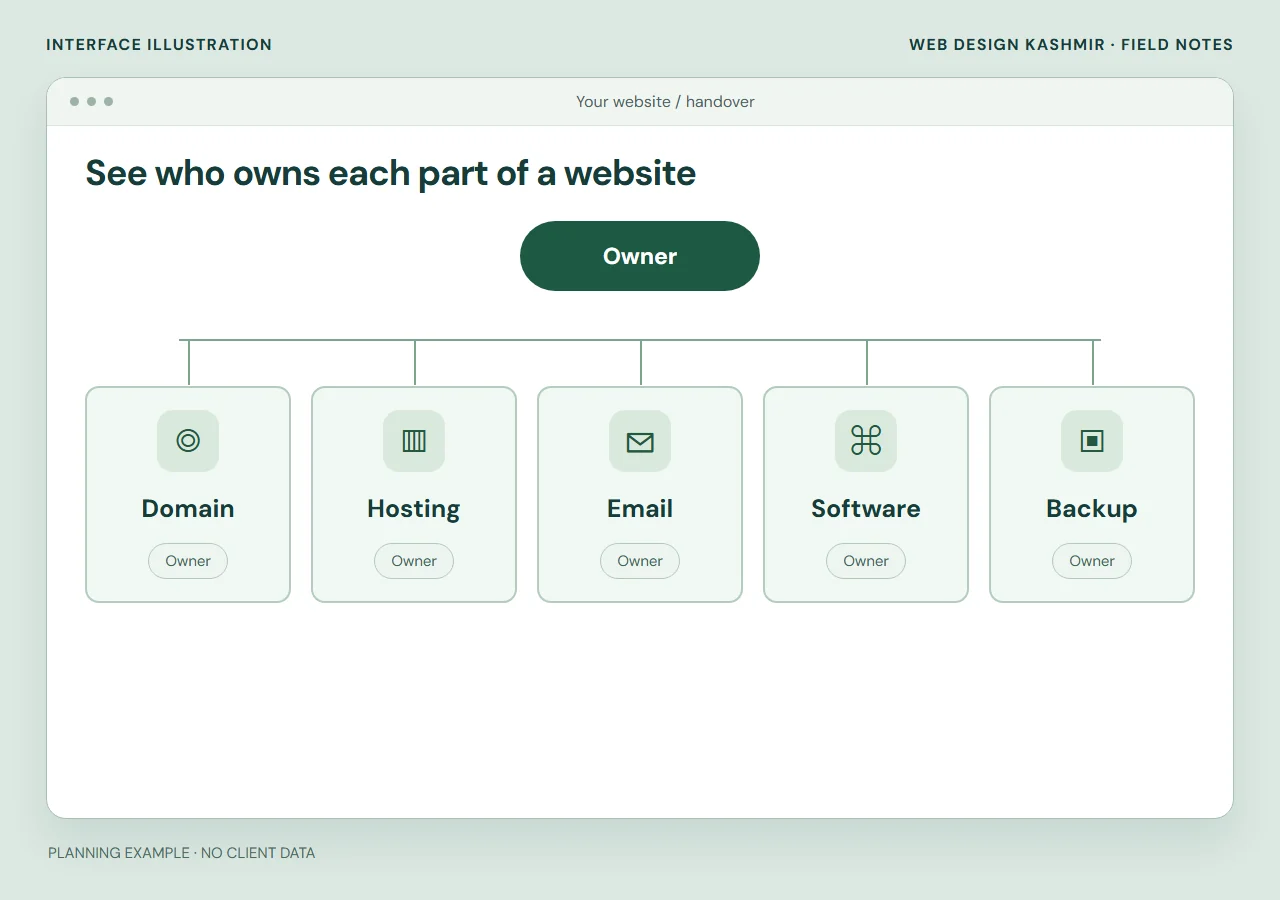
Keep the domain and hosting in accounts controlled by the business. Agree which access the developer needs and how it will be granted securely. Content editors should have permissions appropriate to their work, rather than every staff member sharing one administrator login.
WordPress supports different roles and capabilities. Ask the developer to demonstrate the intended editor account as well as the administrator view. Confirm who can publish, install software, manage users and restore the site. Clarify source delivery and any third-party licence restrictions in the proposal.
5. Review migration and launch separately
If a website already exists, prepare a list of important pages, articles, images and integrations. Ask what will be preserved, imported or retired. Keep useful URLs where practical. Changes need a relevant redirect map and checks of internal links, forms and sitemap entries.
Launching is more than pointing a domain at a new server. Agree a backup, a deployment window, functional checks and a way to recover if something fails. For a store, stock and orders can change during the move, so the migration must explain how those changes are handled.
6. Define evidence for acceptance
Set checks the developer can actually demonstrate: a working inquiry, readable mobile pages, an editable service entry and the agreed notifications. Performance reports should name the page, date and test conditions. A fixed loading time across every network or a promised search position is not a substitute for these checks.
Include representative content and failure cases. Try an invalid email address, an empty required field and a large image upload where those features exist. Record what is included in the build and what would require further work. Review our platform comparison if WordPress is still only one option.
7. Compare the operating cost and support plan
Put initial development, hosting renewals, licences, updates and expected changes on the same worksheet. Compare providers using the same assumptions. A smaller project can legitimately cost less; that does not establish whether a particular supplier is careless or competent.
Ask who receives urgent reports, when support operates and what is covered after launch. A response target is different from a guaranteed repair time. Obtain an agreed handover list with access, backups and editing guidance. If the terms are unclear, resolve them before paying rather than assuming every future change is included.
- Inventory the accounts
- Agree owners and access
- Test and hand over
Use the demonstration to define the contract
Choose one routine task from your own business and write down the result you expect. A hotel editor might change a room photograph and an arrival note. A consultant might update a service fee and its related enquiry text. Use supplied sample content and an agreed test environment.
Ask the supplier to identify which parts you can edit, which need their help and which are limited by the selected theme or extension. Include those boundaries in the proposal with training and support responsibilities.
If a demonstration requires administrator access for an ordinary publishing task, ask why. Review the intended role against WordPress roles and capabilities. The aim is a handover your staff can operate with appropriate permissions, rather than a promise that every aspect of the site will be editable.
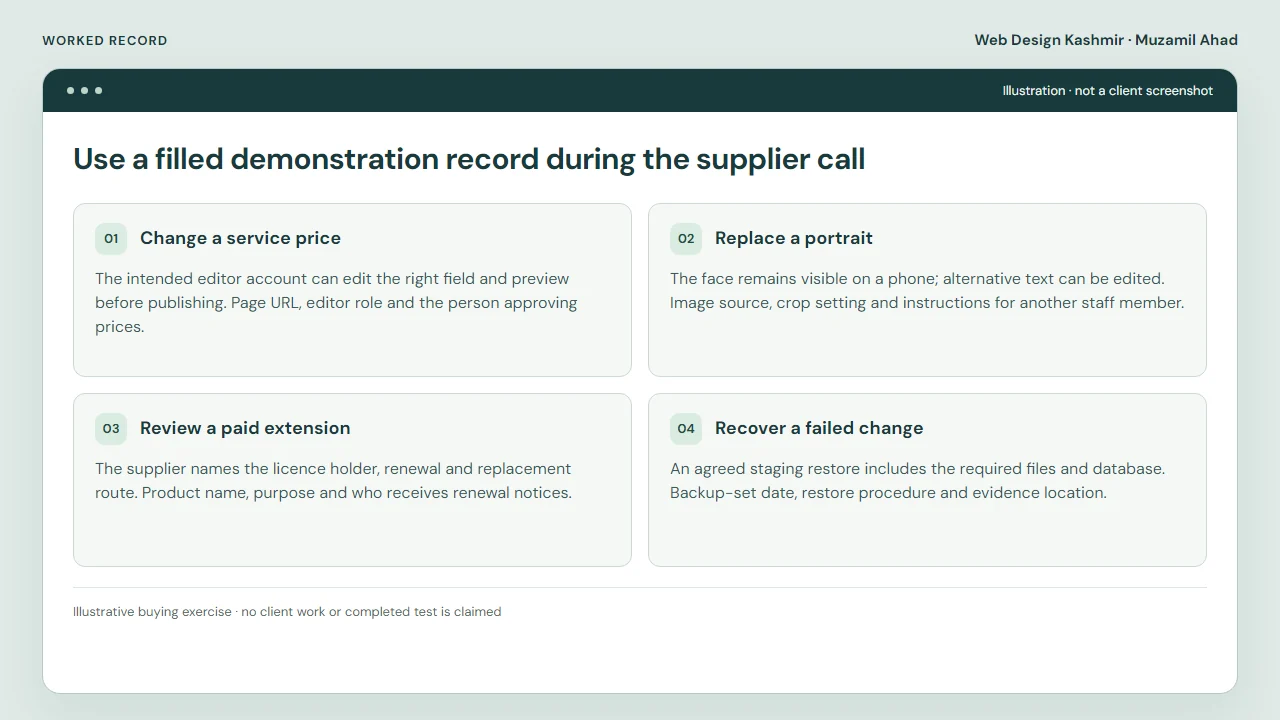
Use a filled demonstration record during the supplier call
Illustrative buying exercise · no client work or completed test is claimed
Ask the proposed editor to change one service price, replace a portrait and correct a long page title. The record below turns a vague editing promise into a demonstration you can repeat with each supplier.
| Task | What the buyer should inspect | Handover record |
|---|---|---|
| Change a service price | The intended editor account can edit the right field and preview before publishing. | Page URL, editor role and the person approving prices. |
| Replace a portrait | The face remains visible on a phone; alternative text can be edited. | Image source, crop setting and instructions for another staff member. |
| Review a paid extension | The supplier names the licence holder, renewal and replacement route. | Product name, purpose and who receives renewal notices. |
| Recover a failed change | An agreed staging restore includes the required files and database. | Backup-set date, restore procedure and evidence location. |
A useful demonstration leaves a trail another developer can understand. If a supplier cannot show a routine task, record the gap and ask whether it is excluded or needs extra development. Do not mark a check passed because the homepage looks finished.
The WordPress role reference explains why an editor and an administrator have different powers. Use the handover inventory to record the agreed accounts without putting passwords in the worksheet.