New Zealand service website planning · Reviewed 18 October 2026
Write a trade website brief around the jobs you want to receive.
Give each web designer the same usable brief. List your accepted work, service area, approved photos and the information needed for a quote request, then agree the pages and tests for a first release.
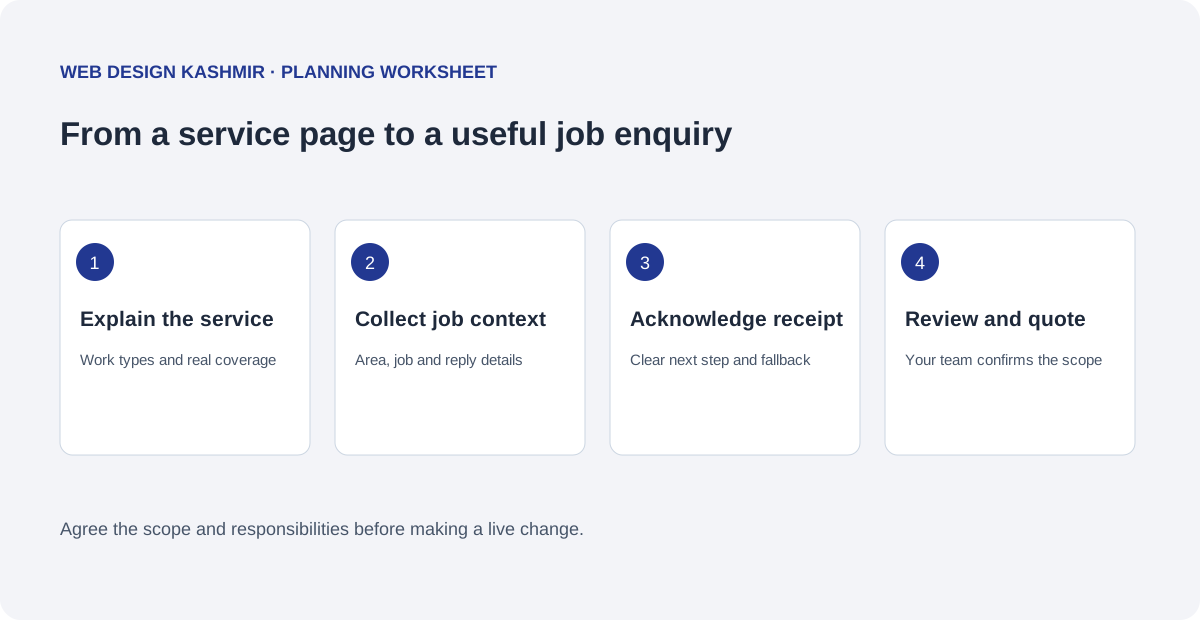
1. List the work you want and the work you exclude
Write your core services in words a customer would use. A landscaping business might separate routine garden maintenance from a new outdoor project. A repair business might distinguish scheduled jobs from urgent call-outs. These are planning examples: choose the services your business actually provides and the availability it can support.
Give each distinct service a purpose. Describe the problem, the work included, any material exclusions, the operating area and the next step. Several useful service pages can be clearer than one long list of keywords. Add a new area page only when it contains information a customer in that area needs.
2. Build a small page map around decisions
- Home: the main services, the business identity and a clear route to enquire.
- Services: what each job involves and what the customer should prepare.
- Service area: places you genuinely cover, with any relevant travel or access limits.
- Projects: permitted photos and factual descriptions of work your business performed.
- About: the actual team, experience and verifiable credentials you choose to publish.
- Contact: the supported phone and enquiry routes, with a description of what happens next.
State which pages your team will edit. A seasonal service list, project gallery and opening hours need different editing controls. Ask for a demonstration using your own representative content before agreeing the build.
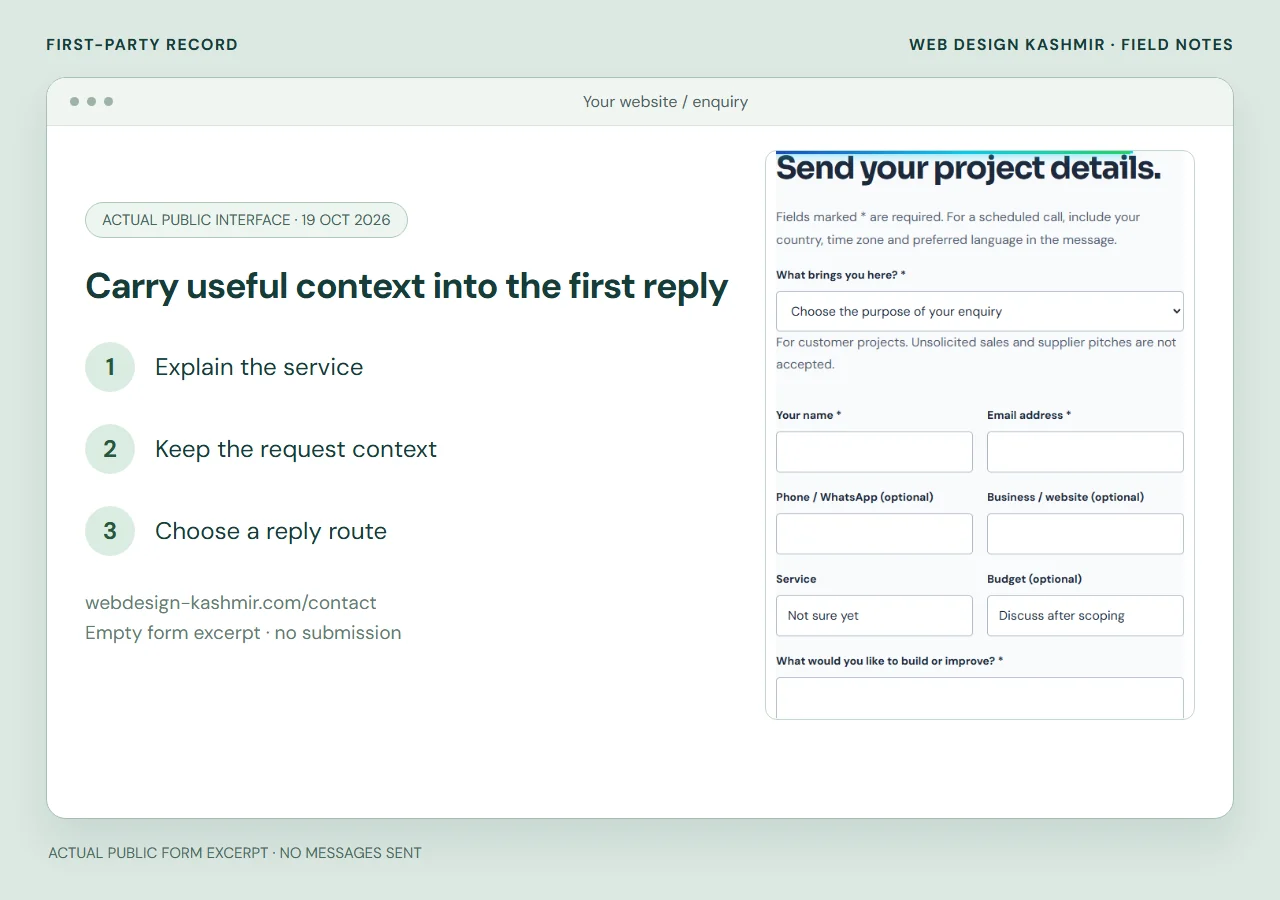
3. Choose enquiry fields your team will read
| Question | Example response | Decision it supports |
|---|---|---|
| What work is needed? | Repair a damaged fence section. | Whether the job matches the service. |
| Where is the work? | Suburb or general service area. | Whether a visit can be considered. |
| What should we know? | Approximate extent and any access constraints. | Which follow-up questions are useful. |
| When are you hoping to start? | A preferred window, with flexibility stated. | A discussion about availability. |
| How should we reply? | A supported contact method and details. | How the team follows up. |
The responses are fictional examples for planning the form. Decide which fields are required, how errors are shown, and whether the form needs an optional photo upload. Ask for a simple explanation of storage, access and deletion before adding file collection.
4. Write the acknowledgement and follow-up process
A useful acknowledgement confirms receipt and describes the next step your team can support. A requested date is not automatically an appointment, and a job description is not automatically a priced quotation. If a site visit or further measurements are required, make that clear before customers submit.
Identify who receives the enquiry, who covers absences and how the business notices a delivery problem. Agree a realistic response arrangement rather than displaying an arbitrary deadline. Provide an alternative contact method when the form cannot be delivered, and test the operational result as part of acceptance.
5. Assemble a content pack you are allowed to publish
Provide approved service descriptions, the correct business details, permitted project images and any qualifications or reviews you can substantiate. Label what you did on each project. Avoid showing a customer's private address, identifying documents or other details that do not help a prospective customer assess the work.
Record the page and image owner, who approves changes, and how new work will be added after launch. For New Zealand planning context, Business.govt.nz offers guidance on establishing an online presence and preparing job quotations. Your provider should implement your approved business process rather than invent commercial terms.
6. Agree acceptance checks before comparing prices
Use the same brief for each proposal. Ask which pages, editing controls, forms, integrations, content entry and support are included. Separate development from domain and hosting renewals, paid licences, email services and future changes. Confirm the quotation currency and any applicable taxes before accepting the scope.
- Read the pages and complete the enquiry flow on a phone.
- Check keyboard navigation, visible labels, readable text and useful errors.
- Verify that an authorised test enquiry reaches the intended team.
- Review what the visitor sees when delivery fails.
- Try an agreed content edit without the developer operating the interface.
- Confirm account ownership, backup coverage and handover materials.
For implementation, see the New Zealand trade website service. An existing WordPress site may first need the handover inventory. If you work with a remote developer, agree review times and the person who can approve content and releases.
Download the website brief
Download the trade website brief (.txt)
Complete the file locally, leave unknown items marked for discussion, and send only the information needed for an initial proposal. Do not include passwords or private customer records. A useful first conversation can start with the public URL, services and the enquiry process you want to improve.
- Explain the service
- Keep the request context
- Choose a reply route
A completed brief for a small trade website
Fictional New Zealand repair business · sample project brief
This completed example shows what a supplier can scope. It describes the first release rather than a general wish for “more leads”. Replace the sample service area and tasks with the work your business genuinely accepts.
| Brief field | Filled example |
|---|---|
| Accepted work | Routine plumbing repairs and blocked-drain assessments; listed exclusions stay visible. |
| Service area | Owner-approved suburbs and travel limits; no nationwide coverage implied. |
| Pages | Home, repairs, blocked drains, service area and contact. |
| Enquiry details | Service, suburb/postcode, brief description and preferred reply route. |
| Content pack | Approved service descriptions, authorised job photos and business contact arrangements. |
| Acceptance | Service context reaches the recipient; validation and acknowledgement work on a phone. |
The business supplies its actual emergency phone and roster arrangements. The enquiry page explains when each contact route is monitored. Request a separate price for extra integrations or uploads instead of allowing them to remain hidden inside “contact form included”.
Use the enquiry diagnosis article to work out which fields are missing. Adapt the fields to your accepted work, then use the New Zealand remote website scope to discuss implementation.
Questions before you start
Should every field be required?
No. Require only what is needed to assess and respond to the initial enquiry. Extra fields and uploads should have a clear operational purpose.
Does a preferred date confirm a booking?
No. The website should explain whether it is collecting a preferred window or reserving a real appointment. Booking integrations require a separately agreed availability process.
Can the website calculate the final job price?
Only if the pricing rules, inputs, exclusions and review process are defined and tested. Many trade jobs need measurements or a visit before the business can issue a quote.