1. Begin with the next customer action
Review the last few genuine enquiries. Were people asking about a product they had seen, comparing services, looking for directions or trying to place an order? A visual update and a detailed buying decision need different information. Choose the channel according to the task rather than the number of followers.
A boutique might use posts to introduce a collection and a stable page for sizes, ordering and delivery. A consultant might share short tips socially and keep the service scope and enquiry process on a website. These are planning examples, not evidence that one approach will outperform the other.
2. Use Instagram for material your team can keep current
Photographs, short demonstrations and updates can help people understand the personality and day-to-day activity of a business. Publish only material you have the right to use, and ask permission before featuring customers. A post should describe the actual product or service rather than imply an unverified result.
Decide who checks messages and what happens when that person is unavailable. A request should not disappear because it arrived in the wrong inbox. Keep an alternative business contact method available and avoid collecting payment details or confidential records through a casual conversation.
3. Give stable information a dependable home
A website can organise service details, product information, contact methods and terms into pages that can be linked directly. Its value is not that every business needs a long menu or a blog. It gives you a place to maintain the information customers repeatedly ask for.
| Customer question | Useful destination |
|---|---|
| What exactly is included? | A service page with scope, exclusions and next steps. |
| Which size or pack should I choose? | A product detail page with relevant options. |
| How do I reach the business? | A contact page with current details and actual hours. |
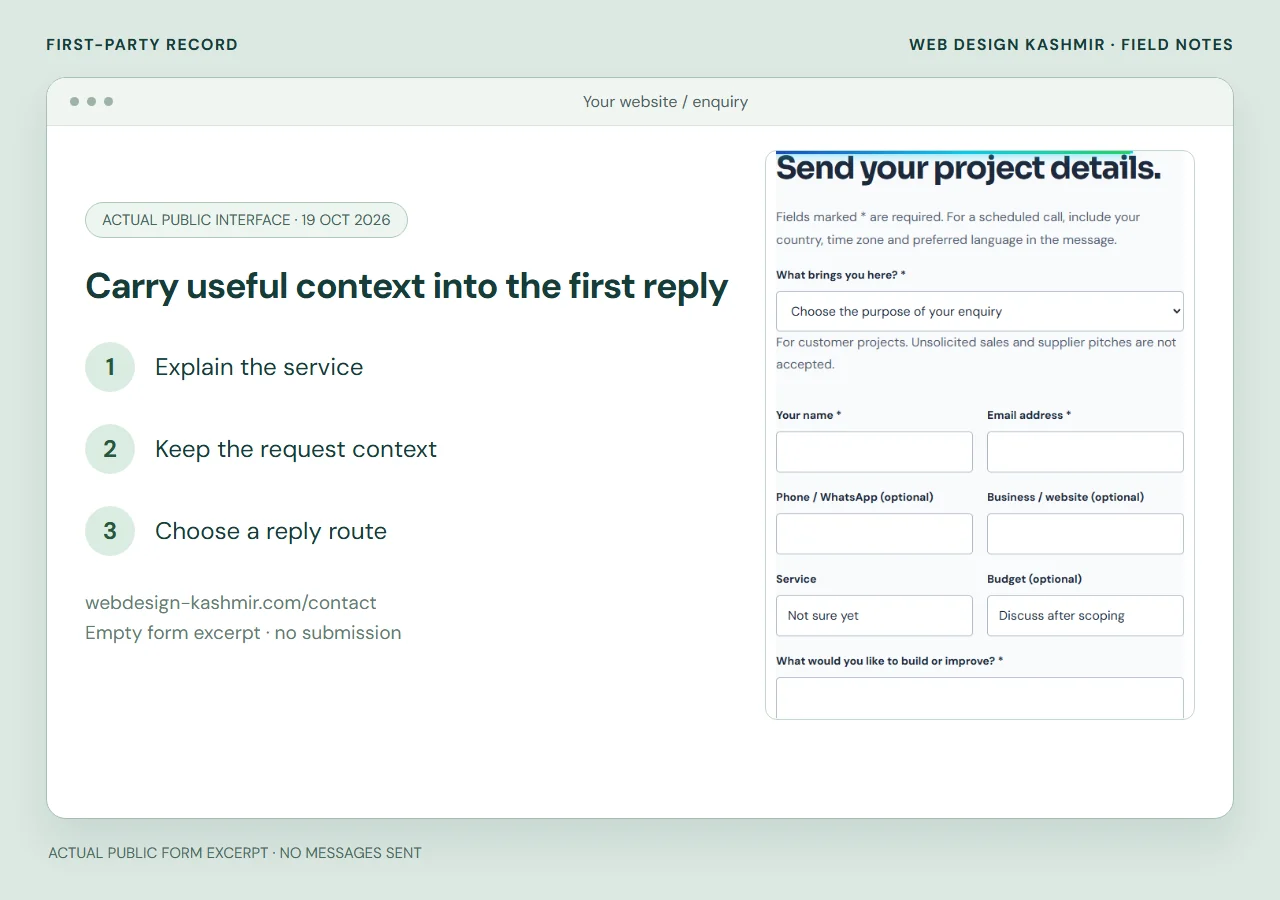
| What happens after I enquire? | A short process explanation and response arrangements. |
The website still depends on hosting, software and maintenance. Keep the domain and key accounts under business control, and agree how content and data can be exported. Owning a domain does not remove every platform or service dependency.
4. Connect the channels without creating extra work
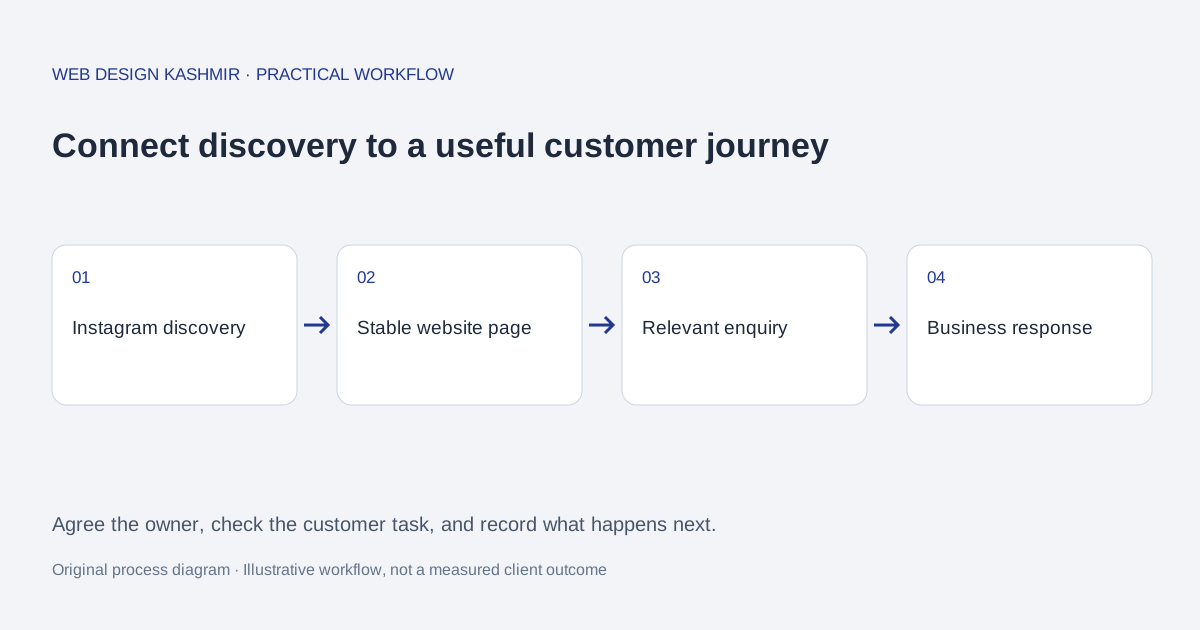
Choose a sensible destination for the main social profile link. Someone interested in a particular service should be able to find that service quickly. A general homepage can work if it makes the relevant paths obvious; a page full of unrelated links can add confusion.
- Publish an accurate service or product page.
- Use a post or profile link to explain why a visitor might open it.
- Make the contact or purchase step clear on the destination page.
- Route the enquiry to a monitored business inbox or agreed workflow.
- Check whether the customer received an answer and could complete the task.
For a worked example, a bakery could link a seasonal post to a page showing collection dates and the ordering process. After the offer ends, update the page and the link destination. Do not leave an expired offer looking available.
5. Keep proof and customer information honest
Use real work, accurate descriptions and customer feedback with permission. A screenshot of a message should not reveal phone numbers, order details or other private information. A mockup can explain a design, but label it as a concept so it is not mistaken for commissioned work.
Social posts and websites both require account protection and clear access ownership. Keep a record of who controls the business accounts, use the security options available from each provider and review access when staff or suppliers change. Do not put shared passwords into an initial developer brief.
For website analytics, explain the tools and choices that actually apply. Counting a social link click as a visit is different from counting a submitted enquiry or completed order.
6. Compare useful outcomes, not vanity metrics
Keep a simple enquiry log with the date, source, request, response and outcome. A large reach figure can be interesting without producing suitable business. A small number of relevant enquiries may matter more, depending on your service capacity and margins.
Use platform insights and website reporting for their respective roles. Search Console can help you understand website search appearances, while your enquiry records show whether those visits become useful conversations. Search visibility is not guaranteed merely because a website has been published.
Record other changes such as offers, pricing or seasonal demand before attributing a sales change to a single post or page. Review a useful period of activity rather than reacting to every daily fluctuation.
7. A first-release checklist
- List the questions customers most often ask.
- Choose the stable pages needed to answer them.
- Assign someone to review social messages and website enquiries.
- Keep name, contact details and current offers consistent.
- Check the journey on a phone from profile link to final contact action.
- Maintain a backup and clear access ownership for the website.
- Remove expired claims and review whether each channel is still useful.
If you are testing a new idea, start with the smallest arrangement you can maintain. Add a shop, booking engine or publication only when the operation is ready for it. Read our business website planning guide for scope decisions and the cost worksheet before comparing quotes.
For website search fundamentals, consult Google’s SEO starter guide. Neither a social following nor a technical SEO checklist guarantees customers; the content and service still need to meet a real need.