
Choose the reservation route you can operate
A direct enquiry can work for an owner-managed guesthouse when someone reliably checks requests and confirms the terms. The form should say that it is an availability request, identify how the reply arrives and avoid implying that a room has already been held. If replies are often missed, a more polished form alone will not solve the operational problem.
A booking engine is useful when the property can maintain room inventory, rates, occupancy rules and reservation conditions in the system. It may be a hosted service linked from the website or an integration supported by the selected provider. Choose based on the property’s workflow and supported connections, rather than the number of features on a sales page.
| Operational position | Possible first release | Important limitation |
|---|---|---|
| A named person manages a small calendar manually. | Clear room pages and an availability enquiry. | The guest has no confirmed reservation until the property confirms it. |
| Inventory and rates are already maintained in a supported system. | A website linked to the existing booking engine. | Confirm which dates, language and room selections survive the handoff. |
| Several channels sell the same rooms. | Website plus an agreed inventory and channel-management setup. | A website form does not synchronise third-party room availability. |
| The property is still organising its room data and policies. | Publish accurate information and use an explicit enquiry route while preparing the integration. | Do not present an unfinished payment or booking flow as operational. |
Work through a six-room example
Imagine a fictional six-room guesthouse in Mauritius: four double rooms and two family rooms. The owner receives enquiries by email and lists some rooms on a third-party platform. There is no connected inventory system yet. These invented details are a planning exercise, not a client case study.
A visitor asks for a family room from 12 to 15 February 2027 for two adults and two children. The website needs the dates, party size and ages only where the property’s occupancy rules require them. It should not ask for passports or payment-card details in a general contact form.
Worked example · an enquiry is not a reservation
- Visitor: selects the family room, stay dates and guest numbers.
- Website: shows “Request availability” and explains that confirmation comes from the property.
- Owner: checks the same room inventory used for other sales channels, then replies with availability and approved terms.
- Guest: accepts through the property’s agreed confirmation or payment process.
- Owner: records the confirmed stay and updates the relevant inventory.
If the owner later adopts a booking engine, keep the descriptive room pages and replace the handoff with the supported reservation route. Retest the journey. A change from “Request availability” to “Book now” changes what the visitor expects the system to do.
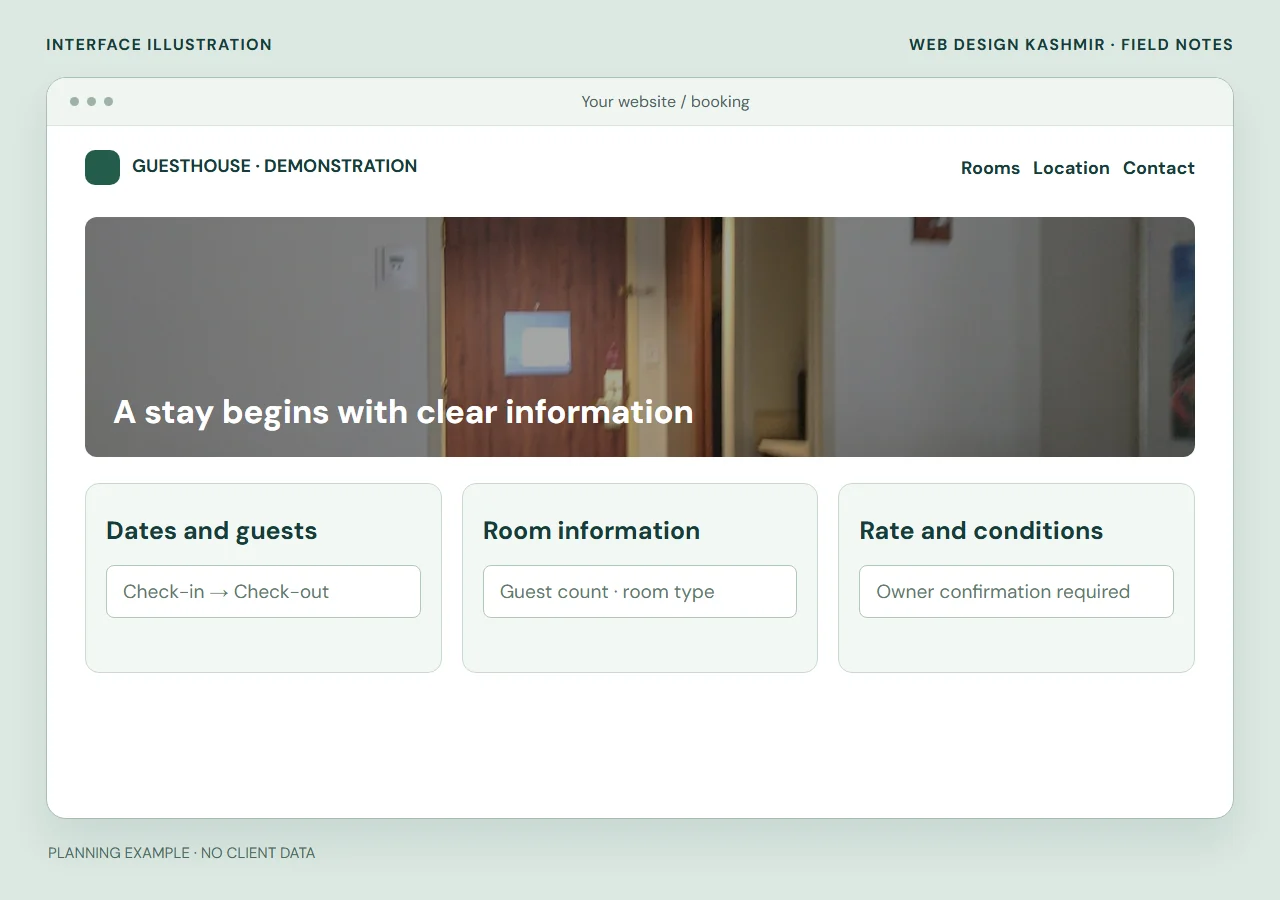
Separate the website, engine and inventory
The website explains the property and helps a guest choose a suitable room. The booking engine handles the direct reservation journey. A channel manager connects inventory with supported external sales channels. These roles may be supplied by one platform, but they are still separate responsibilities to confirm.
Little Hotelier’s booking-engine documentation describes the direct booking journey and its relationship with channel management. This is a reference for the distinction, not an endorsement or a claim that every property needs that provider. Check current platform support, account availability and commercial terms with the provider before choosing an integration.
For an existing website, a clearly labelled link to a supported hosted engine can be an appropriate integration. An embedded widget is not automatically better: check phone layout, keyboard access, loading behaviour and the guest’s ability to return to the room information. Avoid creating a second disconnected calendar merely to make the website appear more advanced.
Prepare room content before integration
Give each room type a page or clearly identified section with real photographs and owner-approved facts. Show the sleeping arrangement, maximum occupancy, private or shared facilities, access constraints and relevant amenities. A generic beach photograph cannot tell a guest whether a room has stairs or enough beds.
Keep room names consistent between the website and booking system. A “Family Room” that becomes an unexplained code after clicking Book now makes comparison harder. Use current photographs of the actual room category and state when an image is representative of several similar rooms. Do not use generated accommodation photos as evidence of facilities a guest will receive.
| Prepare | Owner’s check |
|---|---|
| Room name and provider reference | The website and booking engine identify the same inventory. |
| Real room, bathroom and access photographs | Photographs are current, publishable and accurately captioned. |
| Occupancy and bed arrangement | Adult, child and extra-bed wording matches the property’s rules. |
| What is included | Meals, transfers or extras are described only where actually offered. |
| Rates and conditions | The visible currency, inclusions and cancellation wording match the approved booking terms. |
| Languages and reviewer | English, French or other versions use approved terminology and match the corresponding reservation route. |
Choose languages from the guests the property serves and the support it can provide. A language switch should lead to a useful equivalent page, not merely reset the visitor to an unrelated homepage. Google’s multilingual website guidance is a useful reference when planning separate language URLs. Translation still needs review in the actual room and booking layouts.
Test more than the Book now button
Agree a test environment or the provider’s permitted test method before making reservations. Do not make an unapproved live booking, charge a card or email a real guest merely to prove that a button opens. Keep a record of the cases tested and who approved the room inventory and conditions.
- Normal stay: select an available date range and verify the intended room type, guest numbers and language at the handoff.
- No availability: check that the guest sees a clear result and a useful next step. An enquiry alternative must not imply that a sold-out room is available.
- Invalid dates: try checkout before check-in and a missing date. Check understandable errors and preserved inputs.
- Occupancy: test the maximum party size and any child-age rules approved by the property.
- Payment or confirmation: where supported, use the provider’s test process for success, cancellation and failure. Confirm where the property and guest receive the reservation reference.
- Phone and keyboard: open date controls, read the summary, follow focus and return to the room information without a fixed button covering content.
- Enquiry fallback: verify the intended email and WhatsApp destinations without sending messages to real guests.
The W3C form-label tutorial explains why controls need identifiable labels. For a booking journey, check that “arrival”, “departure” and guest counts stay understandable after a date has been selected, including when errors appear.
Compare build and running costs
Separate the website build from the booking provider’s subscription, transaction or payment charges. Ask who owns the provider account, who updates rates, who answers guest questions and who supports a failed reservation. Identify any ongoing content allowance and how urgent corrections are requested. The property should retain the correct account ownership and renewal contacts.
A useful proposal names the room pages, supplied photographs, language versions, existing booking system, integration method and acceptance checks. A bespoke reservation system is a substantially different scope from connecting a supported hosted engine. Do not estimate them as interchangeable features.
Agree the quotation currency and payment milestones for the Mauritius project. Ask the property and its adviser to approve its booking, cancellation and commercial wording. I deliver website work remotely from Srinagar, India; the property remains responsible for operating accommodation, inventory and guest support.
Copy this guesthouse project brief
Property and current website: ___
Room types, inventory and occupancy rules: ___
Current booking channels and shared inventory source: ___
First release: availability enquiry / existing engine link / supported integration
Actual photographs and approved room descriptions: ___
Languages and translation reviewer: ___
Booking provider, account owner and support contact: ___
Person responsible for enquiries and rate changes: ___
Approved conditions and test method: ___
The Mauritius guesthouse website service explains a scoped first release. Read the hotel and tourism website service for room content, integrations and handover. Share your public website, room types and existing provider name first; account credentials and guest records are not needed for an initial discussion.
- Choose room and dates
- Check availability and terms
- Confirm the reservation
Write the exception record before enabling reservations
Fictional six-room Mauritius property · no live availability
A normal family-room request does not test the difficult boundaries. For the fictional six-room property, agree what the website should say when availability, payment or guest details change.
| Case | Example to test | Decision and evidence |
|---|---|---|
| Dates change | The guest changes the departure date after viewing a rate. | Recheck the rate and inventory; do not keep an earlier total without explanation. |
| No final room remains | Two test sessions request the last available room. | Use the provider’s documented reservation/hold rules; record which session, if any, is confirmed. |
| Payment is interrupted | The guest cancels or returns without a clear success state. | Check the provider’s authoritative status before showing a paid reservation. |
| The party changes | Two adults become two adults and one child. | Apply the property’s approved occupancy and rate rules; ask the owner to confirm any unresolved case. |
Keep the environment, provider settings, expected result and observed result with the release record. A static calendar or a success screen alone does not prove correct inventory or payment handling. Use test facilities and approved recipients to avoid misleading real guests.
The Mauritius guesthouse scope sets ownership and remote-delivery responsibilities. The French catalogue/checkout guide explains the related distinction between requesting and accepting an order.
Questions before you start
Can a guesthouse website start with an enquiry form?
Yes, when the property can reliably check availability and respond. The website must say that the message is a request and explain that a reservation is confirmed only through the property’s agreed process.
Does adding a booking button synchronise other booking channels?
No. A link or button does not itself synchronise room inventory. Confirm the supported connection between the booking engine, inventory system and external channels with the selected provider.
Can you connect an existing booking engine rather than replace it?
That can be a suitable scope when the current provider supports the intended link or integration. We first identify the provider, required room pages, language handoff and agreed test method.
Sources and editorial notes
Published 18 October 2026. The worked examples are fictional planning scenarios. Confirm integration features, account eligibility and current terms with your chosen provider before agreeing the build.